SolidMount Console
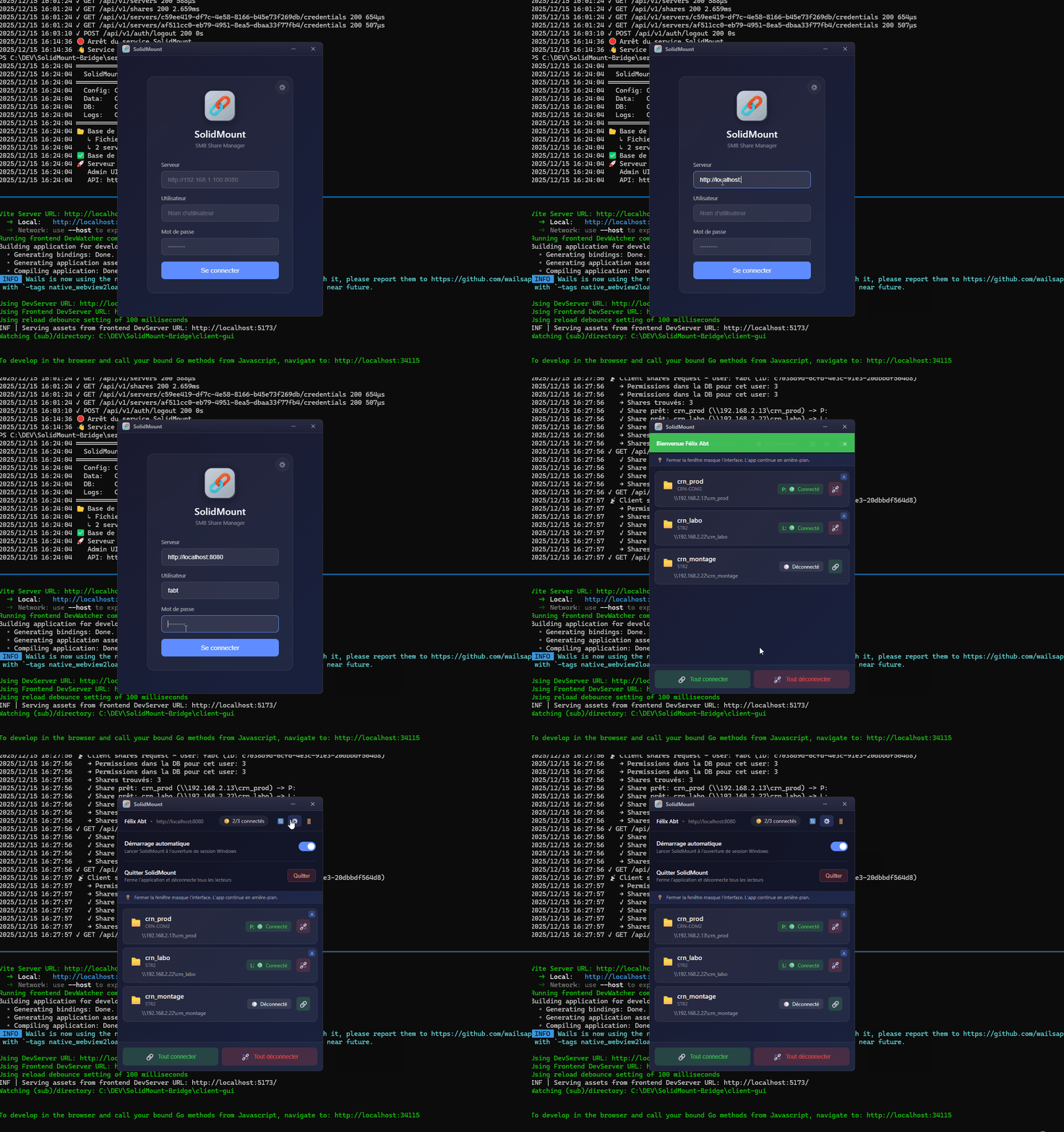
SolidMount Terminal Demo
Open Source & Free

Network shares.
Simplified.

SolidMount centralizes SMB share management for professional video workflows. One authentication, all your network drives.

100% Open Source
Windows 10 & 11
Go + Svelte Native Performance
Scroll

Everything you need

Built for video post-production professionals

Single Sign-On

Log in once to SolidMount, automatically access all your configured shares.

Secure Credentials

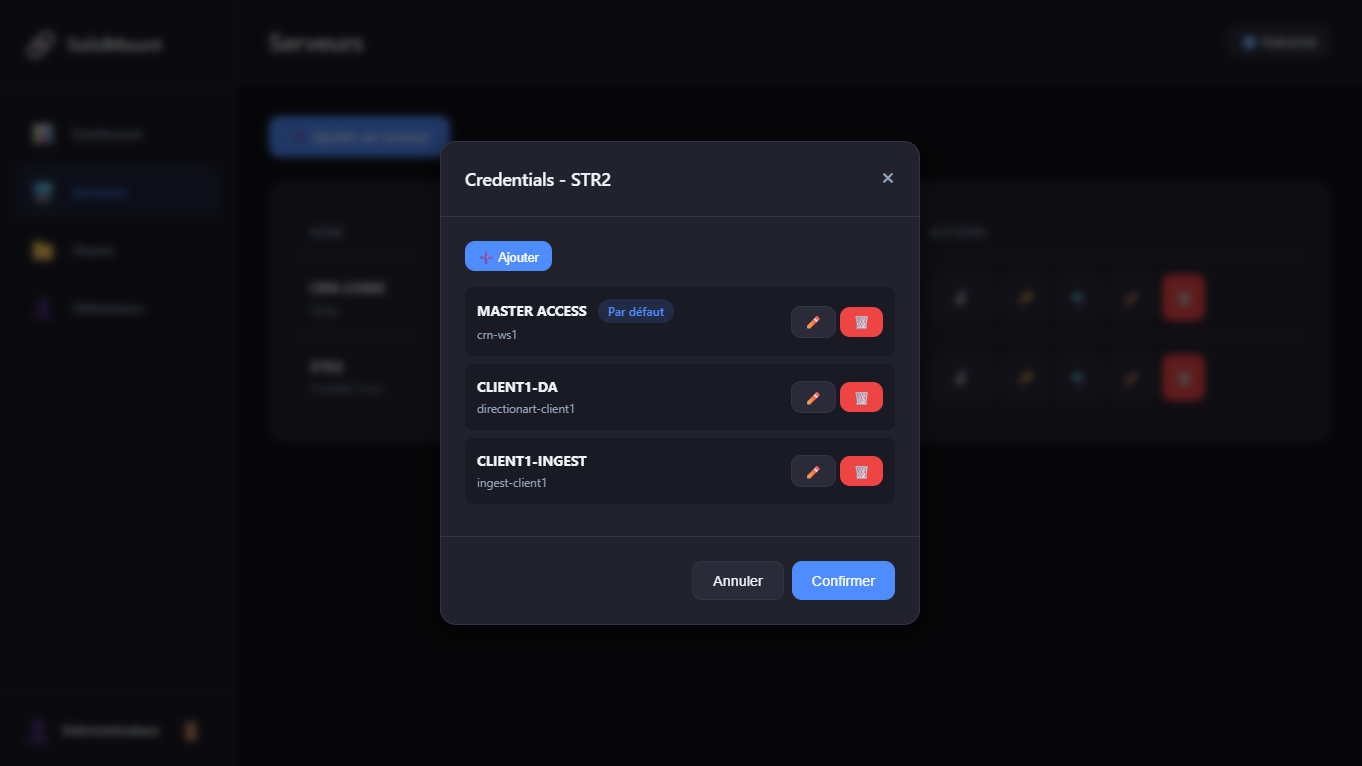
AES-256-GCM encryption. SMB credentials stay on the server, never exposed to users.

Modern Interface

Elegant Windows client with glassmorphism design. Runs in background, discreet and efficient.

Fixed Drive Letters

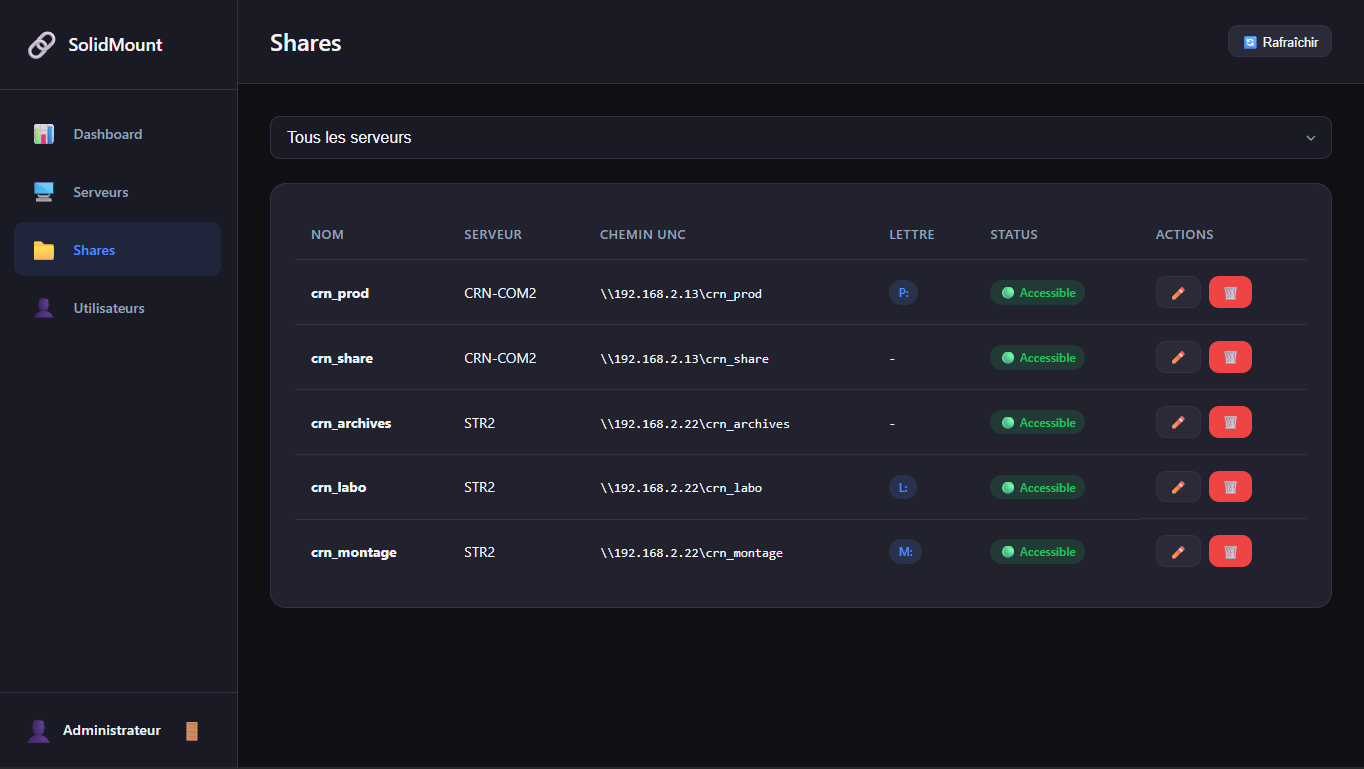
Z: for video, Y: for audio... Each user finds their drives on any workstation.

Centralized Admin

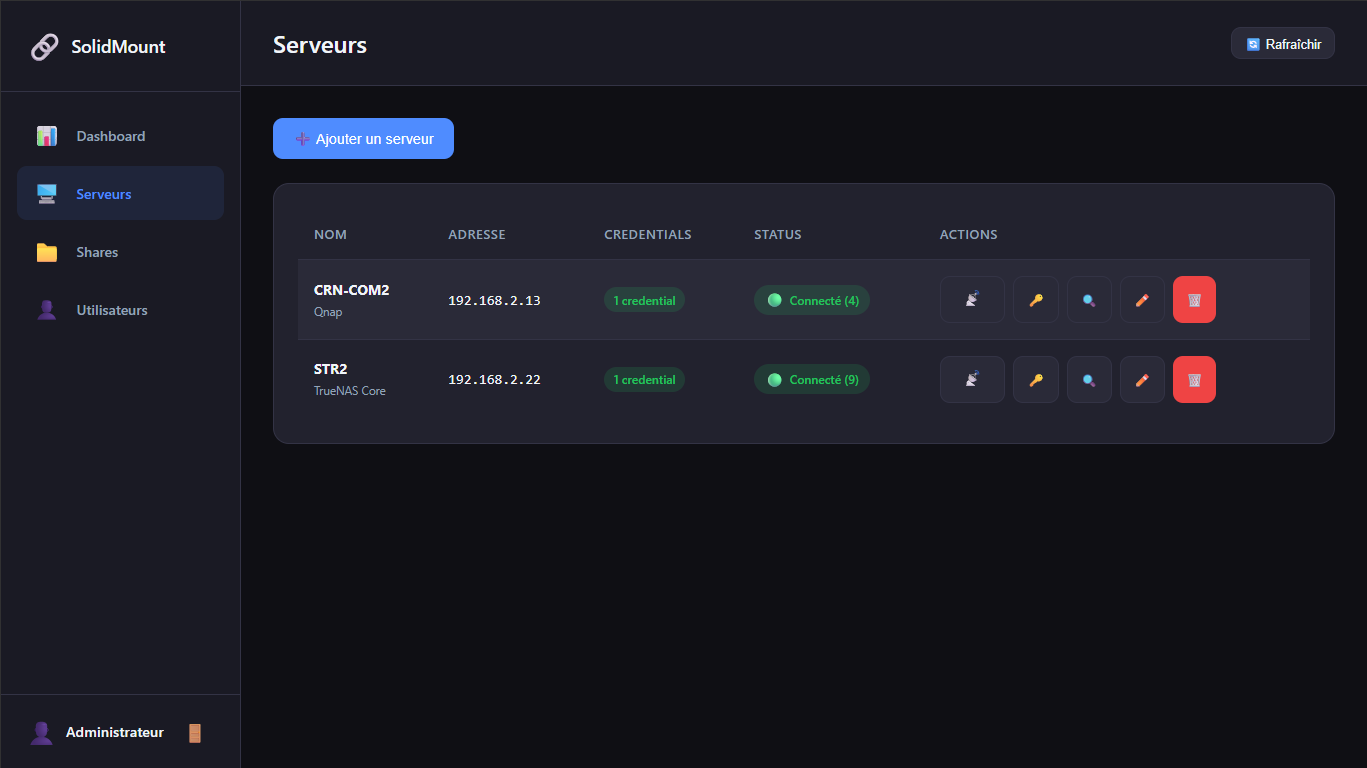
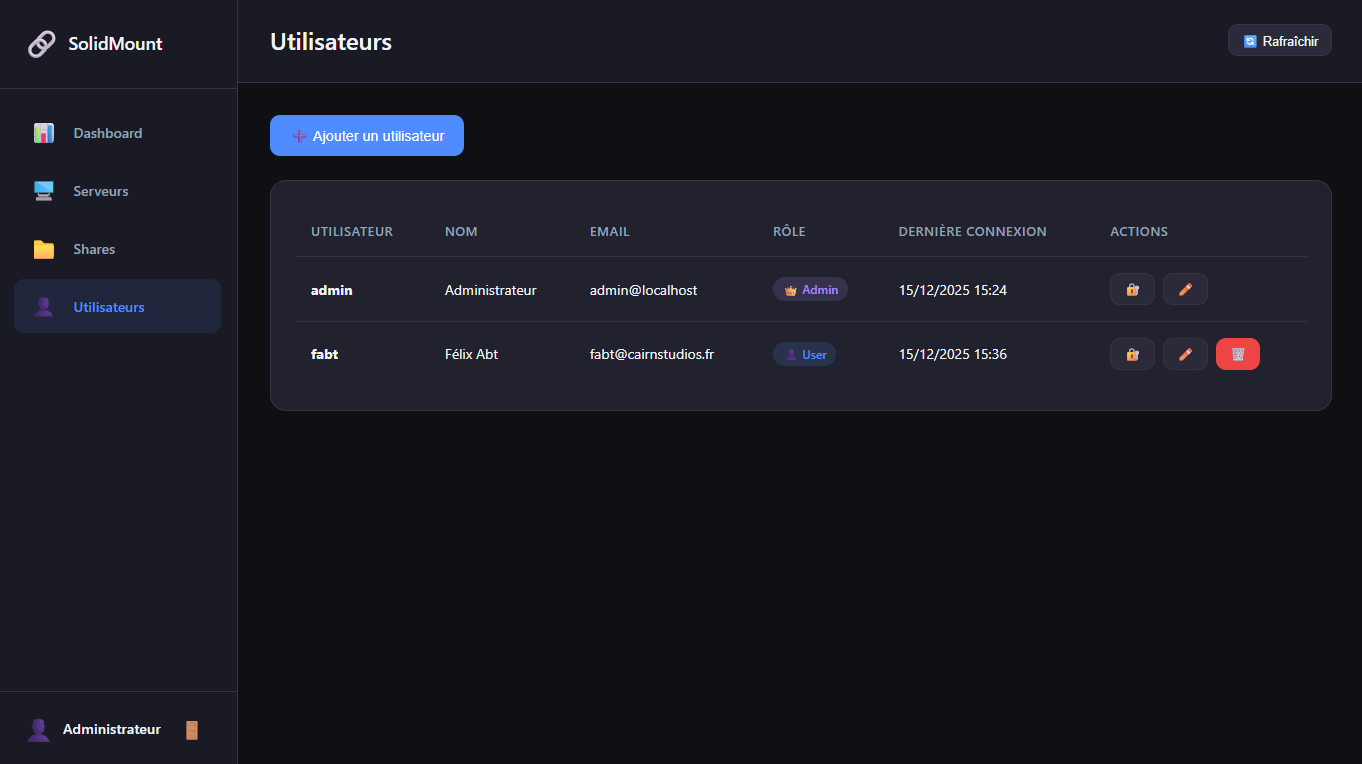
Web interface to manage servers, shares, users and permissions. Everything from one place.

Open Source

Source code available on GitHub. Go + Svelte. Contribute, adapt, deploy as you wish.

Discover the Interface

A powerful server, an elegant client

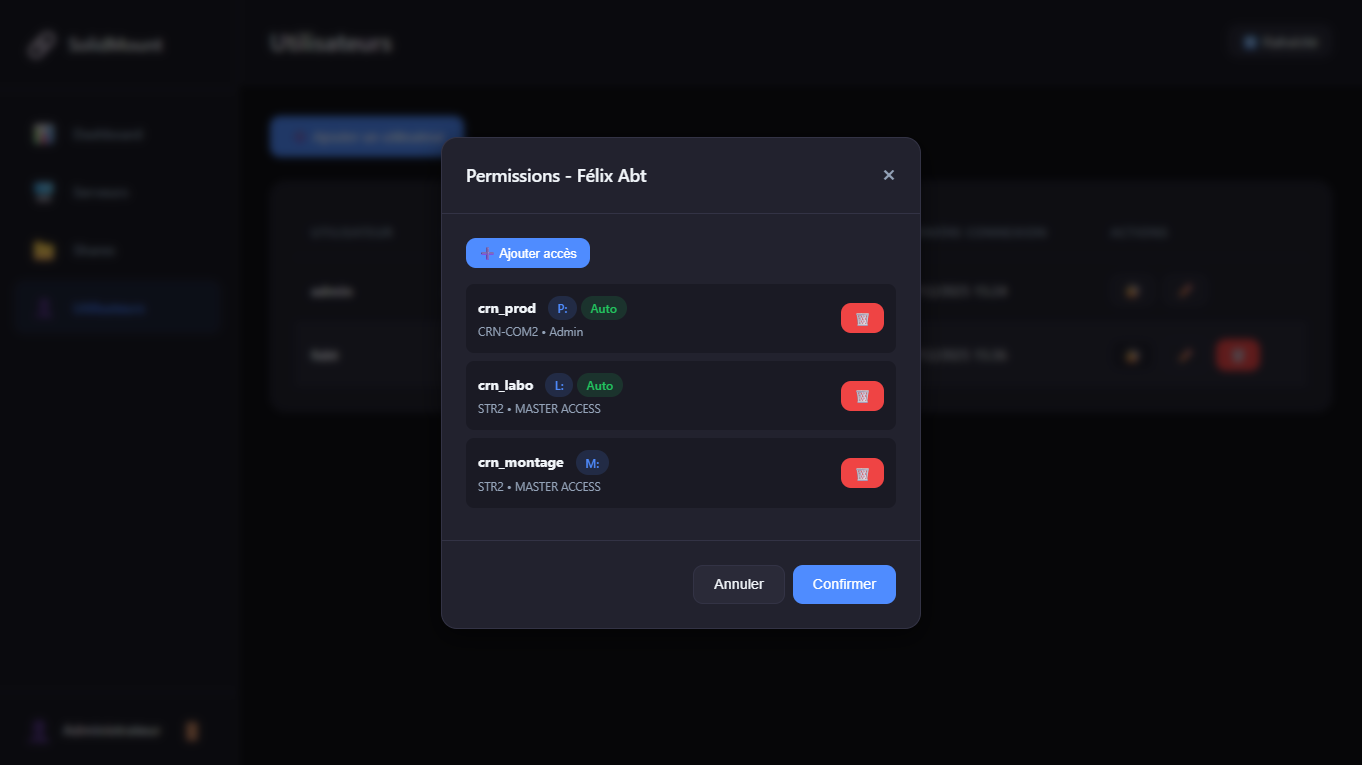
🖥️ SolidMount Server Admin Interface
SolidMount Admin
localhost:8080/admin
Login Servers Credentials Shares Users Permissions
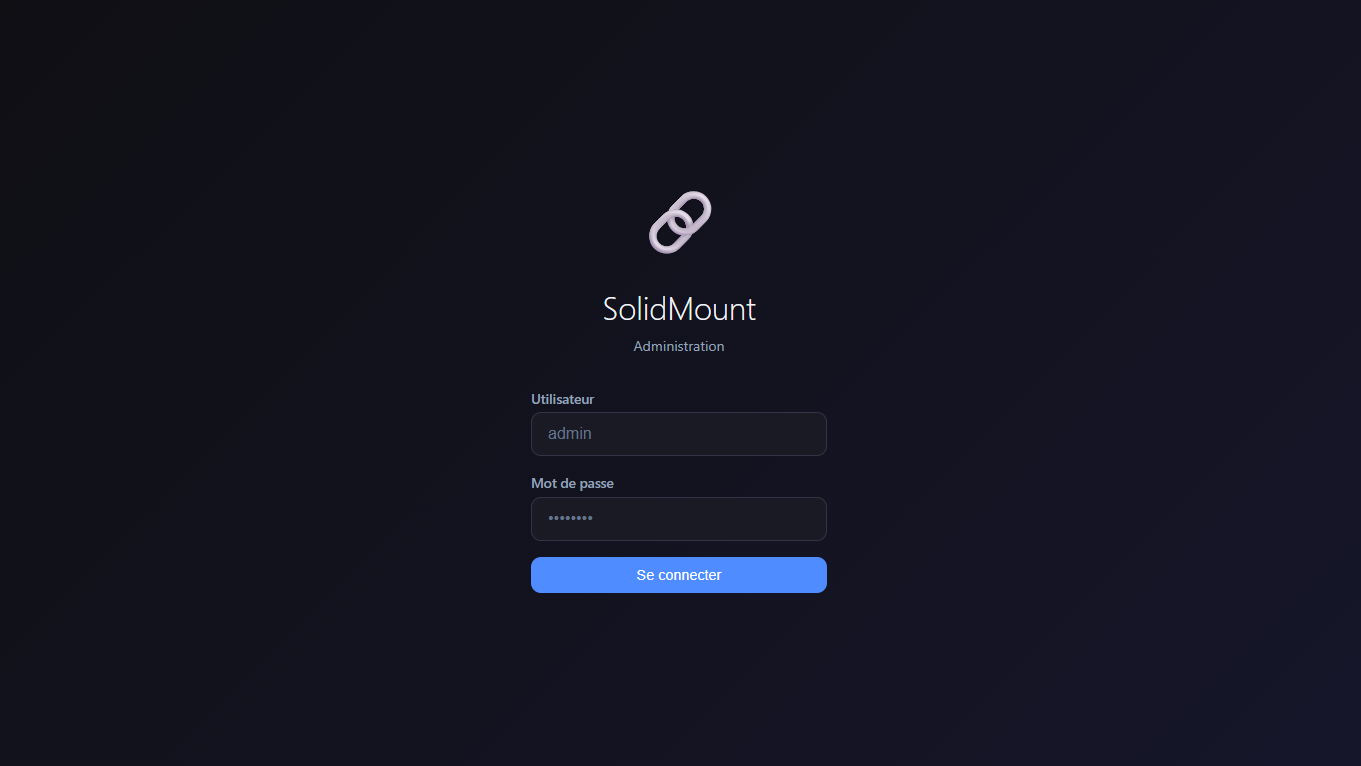
1/6 Login page
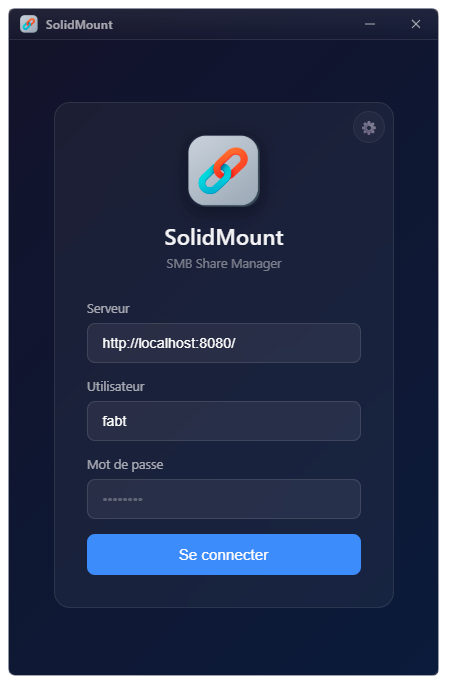
💻 SolidMount Client Desktop Application
1 Login
Client - Login
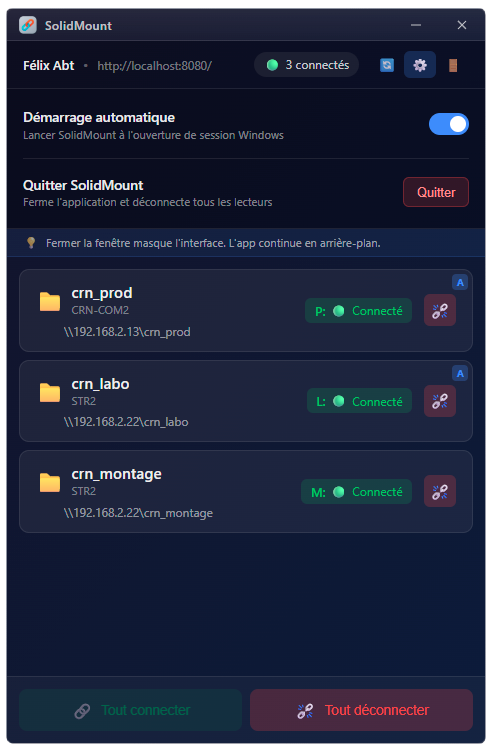
2 Your shares
Client - Dashboard

Clean and intuitive interface. Log in, mount your shares with one click.

How it Works

Deploy in 3 simple steps

1

Install the Server

Deploy SolidMount Server on a Windows machine. The service installs in one click and starts automatically.

2

Configure your Shares

Via the web interface, add your NAS/SAN servers, scan available shares and create your users.

3

Deploy the Clients

Install SolidMount Client on workstations. Users log in and their shares are mounted automatically.

Ready to simplify your workflows?

Download SolidMount for free and deploy it in minutes.

Windows 10/11 (64-bit) CC BY-NC-SA 4.0 v1.0.0